
Build admin screens without the framework fight.
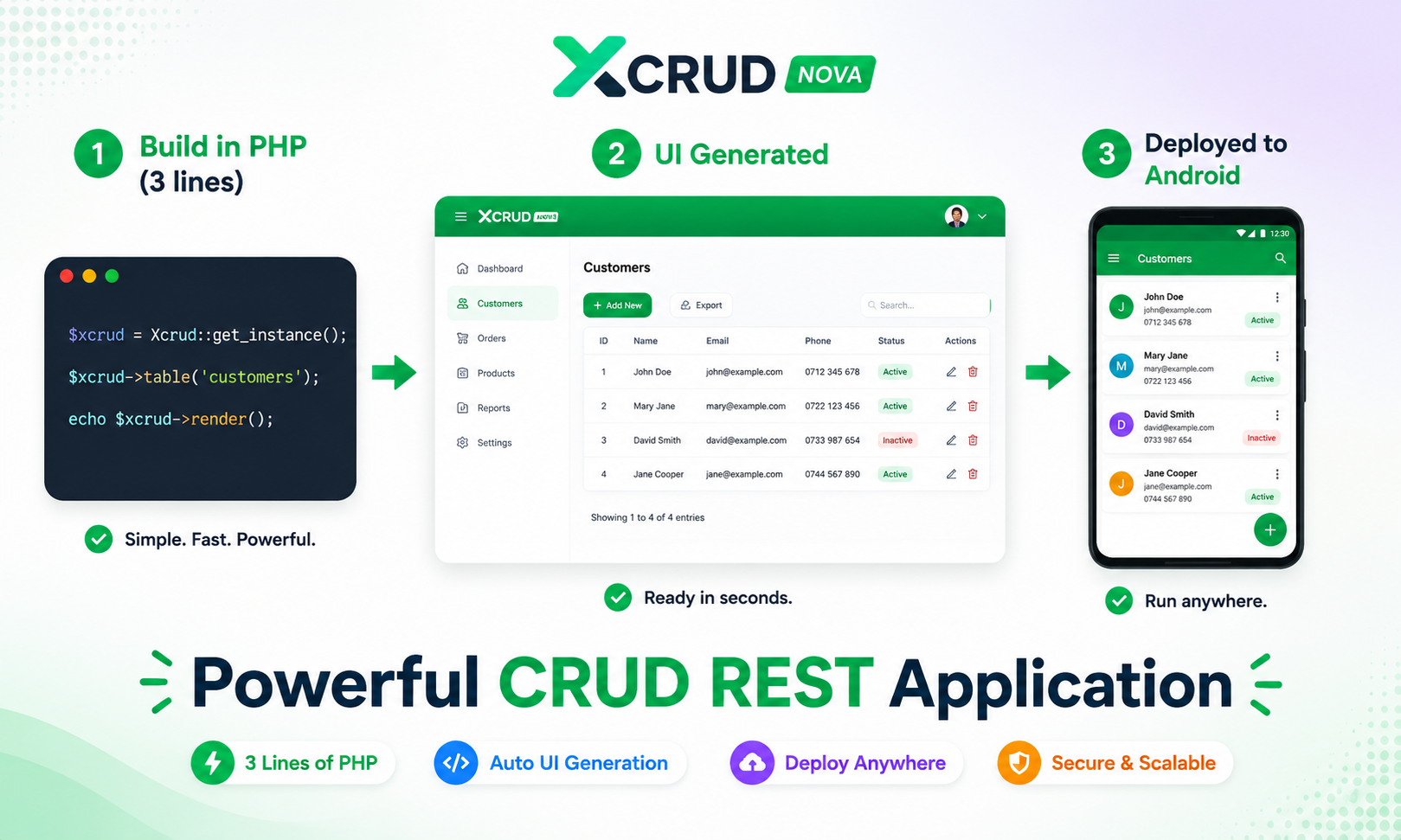
Turn your database into polished CRUD screens quickly. xCRUD Nova gives you grids, forms, uploads and nested records without a heavy frontend stack.
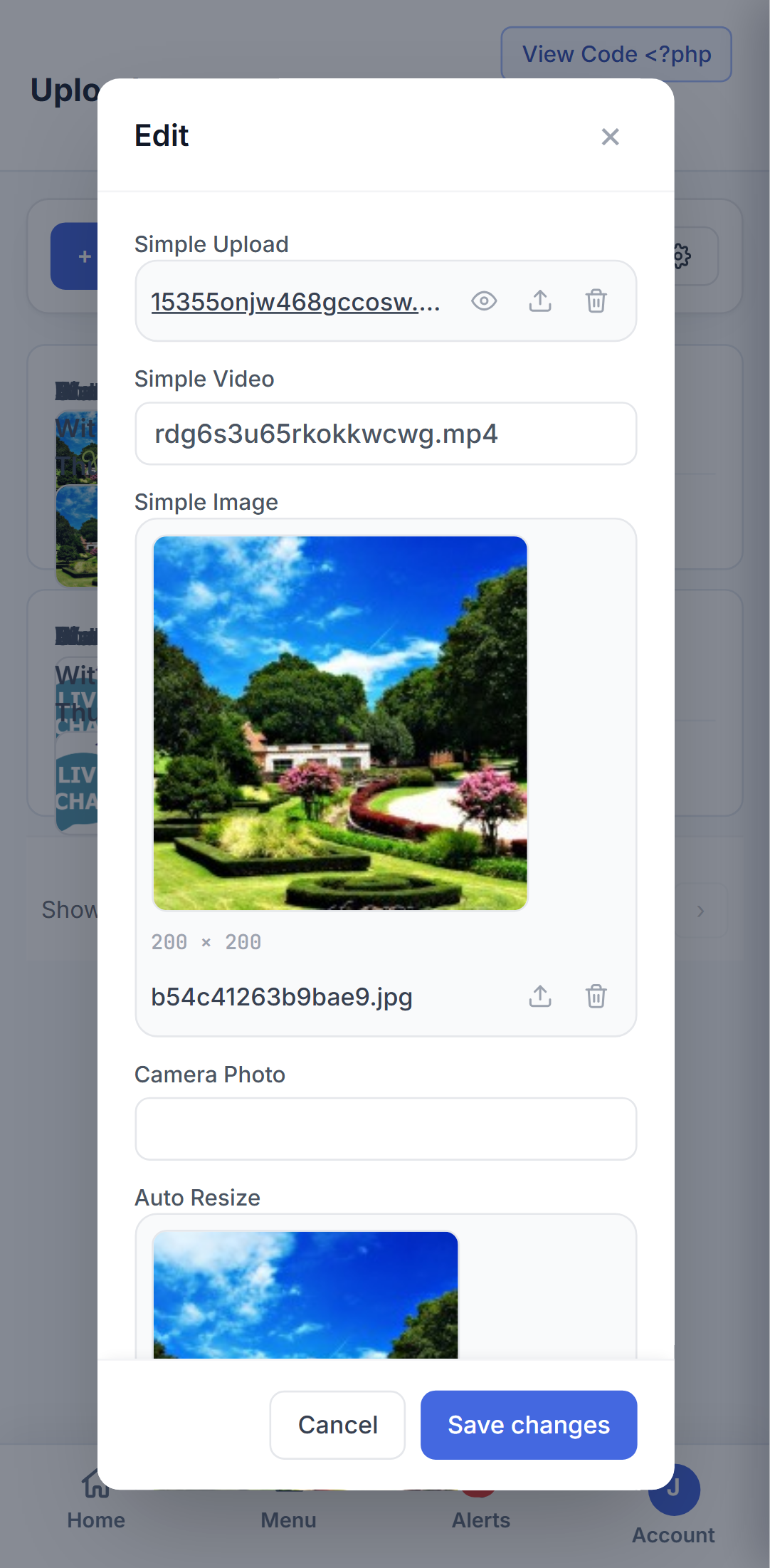
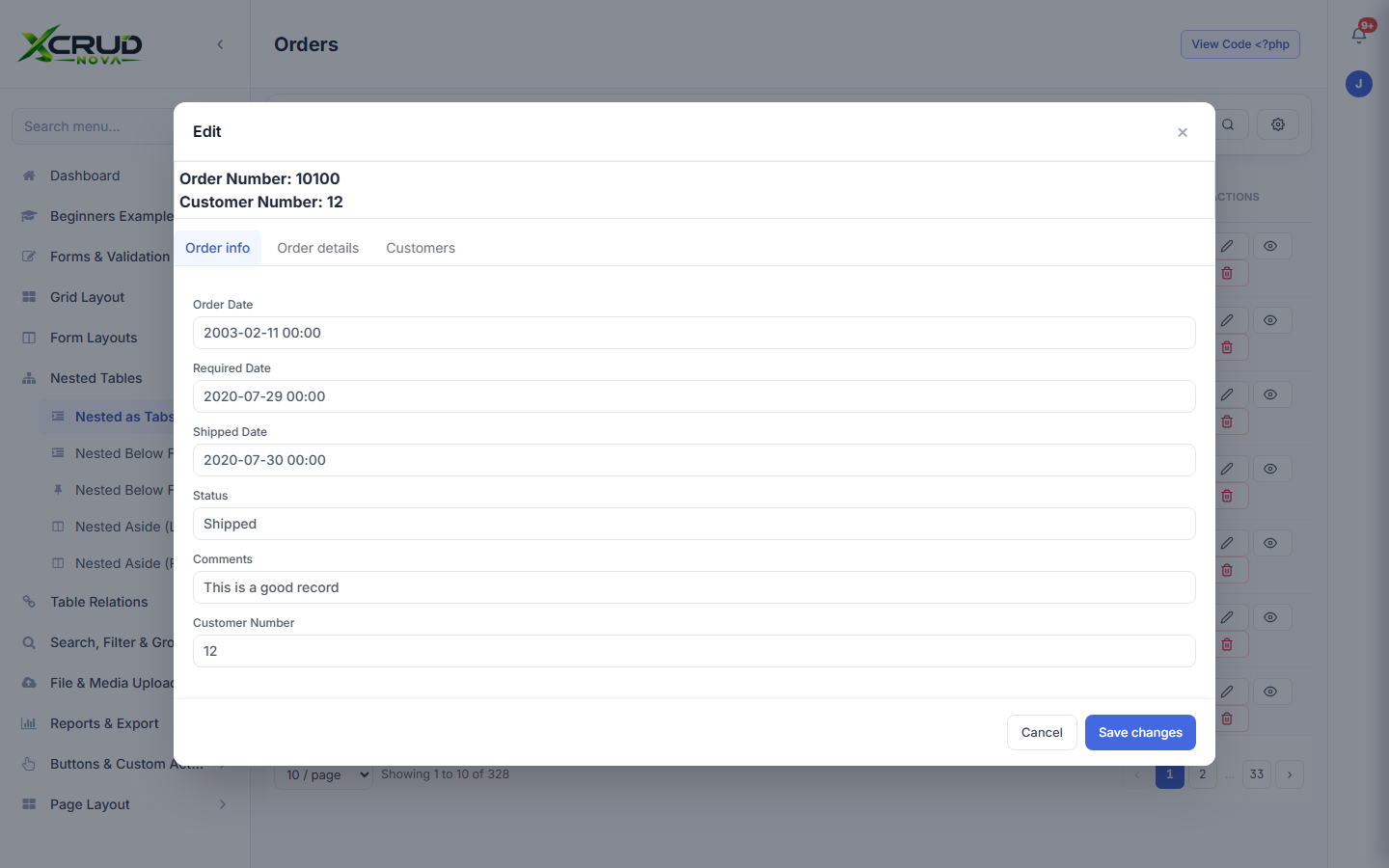
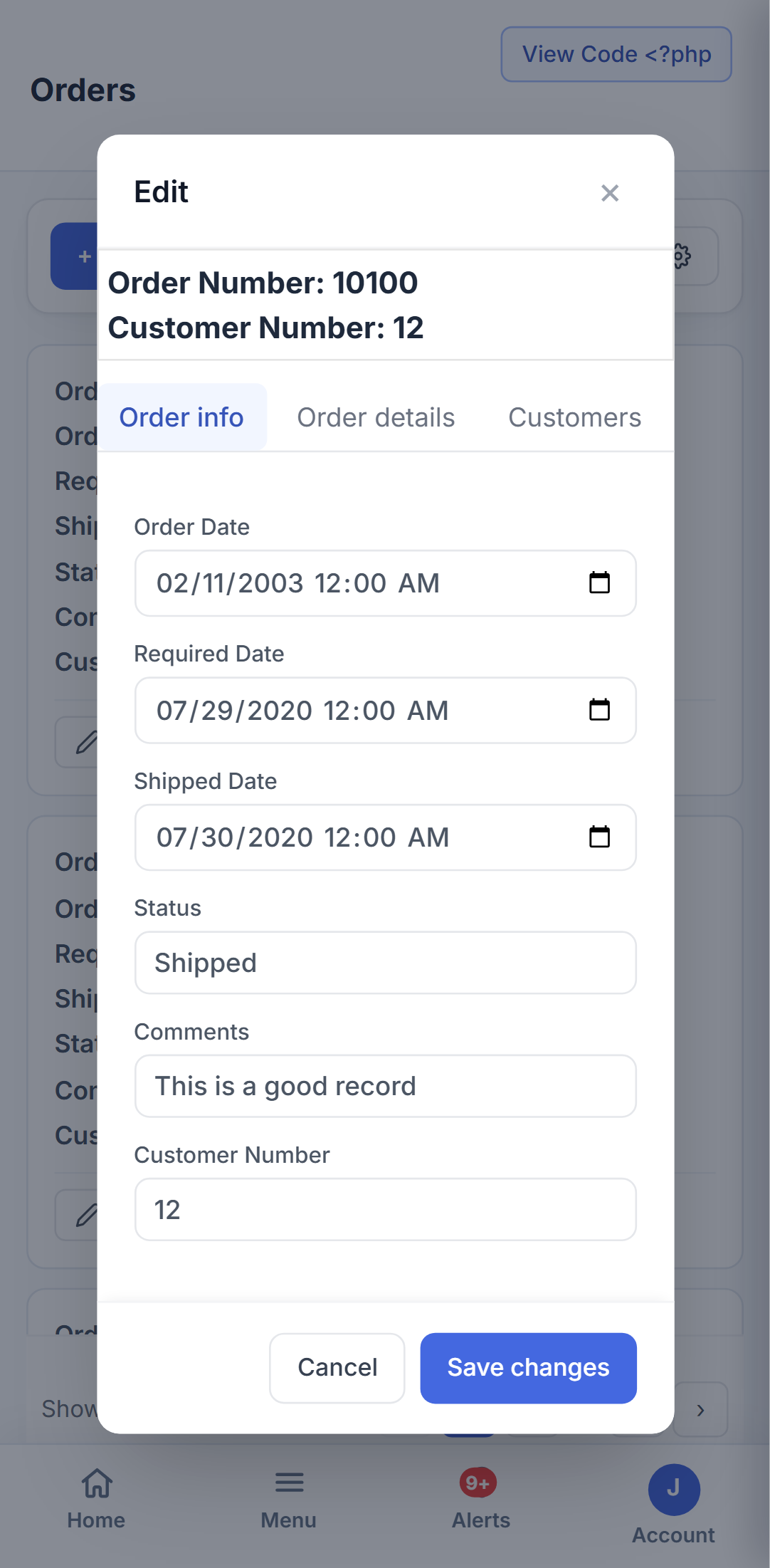
Start simple and build your first CRUD interface.
Build in PHP and deploy locally or on mobile.
Menus, users, roles and advanced administration.
xCRUD Nova is a practical PHP toolkit for developers who want powerful CRUD functionality without spending days wiring together an admin frontend. It is fast, asynchronous, REST-ready and intentionally light.
pages/      → one file per screen (orders.php = /orders)
src/        → the widget engine (Xcrud.php, Config.php, ...)
core/       → router, AJAX endpoints, uploads
themes/     → Tailwind / Bootstrap / built-in xCrud theme
sql/        → ready-to-import demo database
Fourteen capabilities that take xCRUD Nova from "a quick CRUD demo" to something you can actually ship.
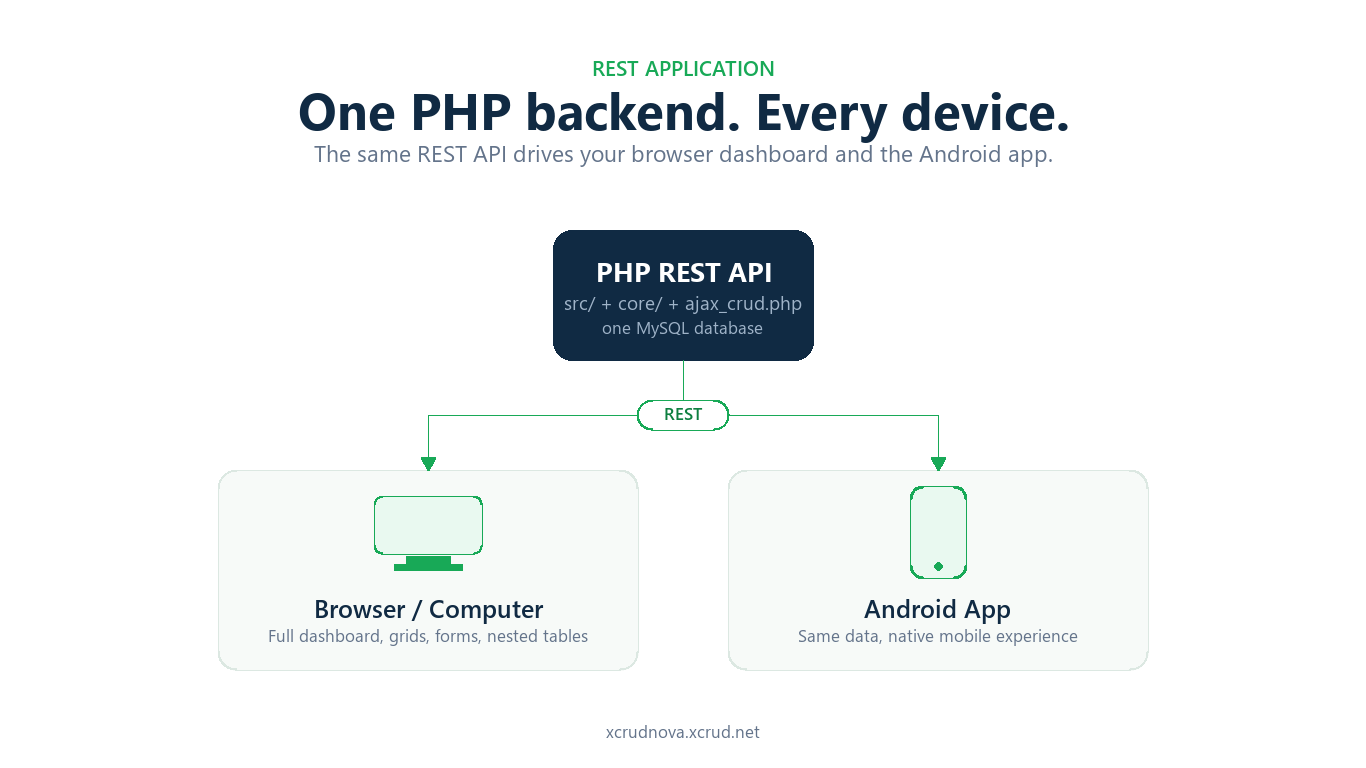
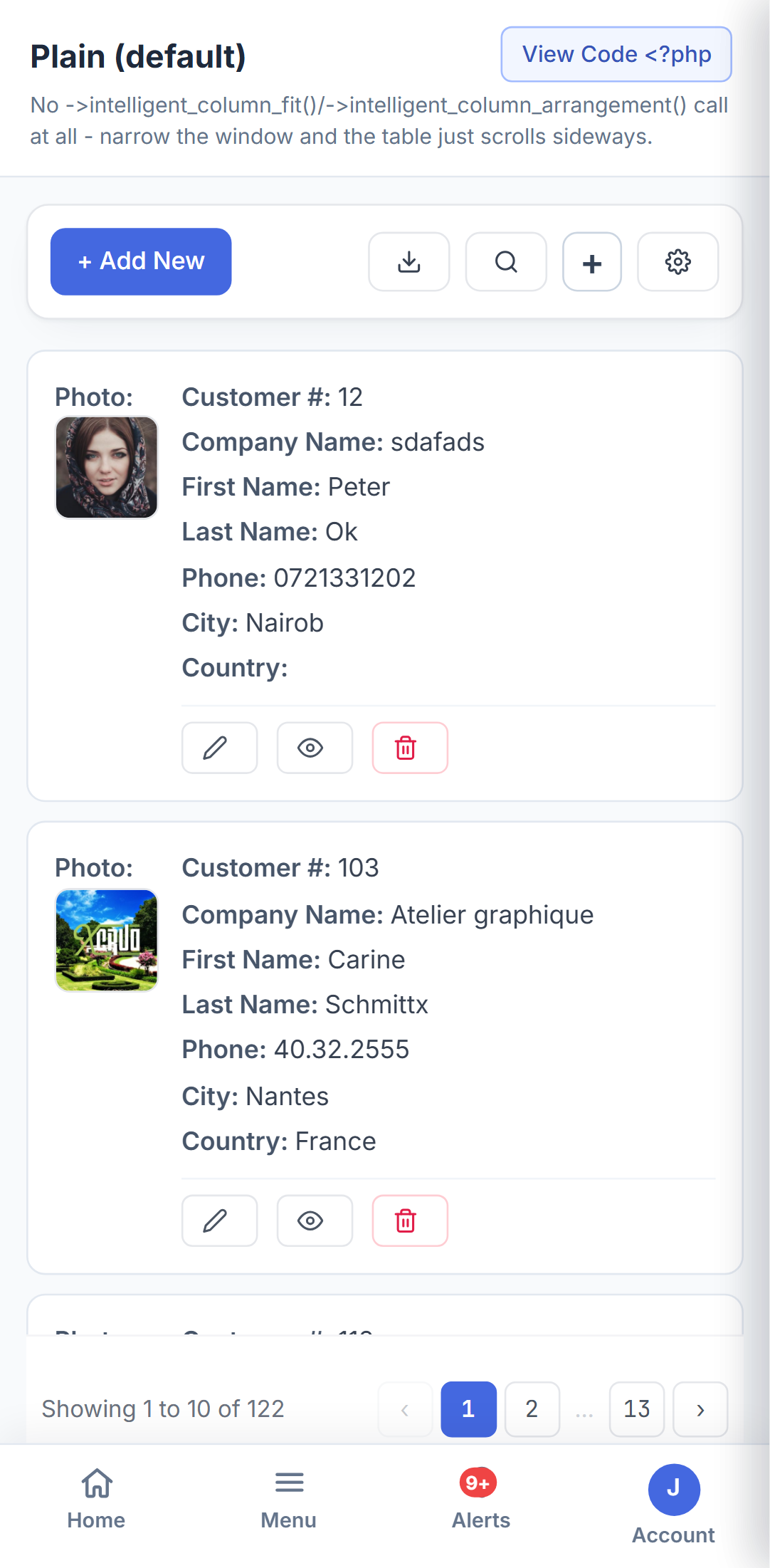
Build the API once in PHP and it drives everything - the full browser dashboard and the native Android app both talk to the exact same REST endpoints and the same database, so a change on the backend shows up everywhere at once.
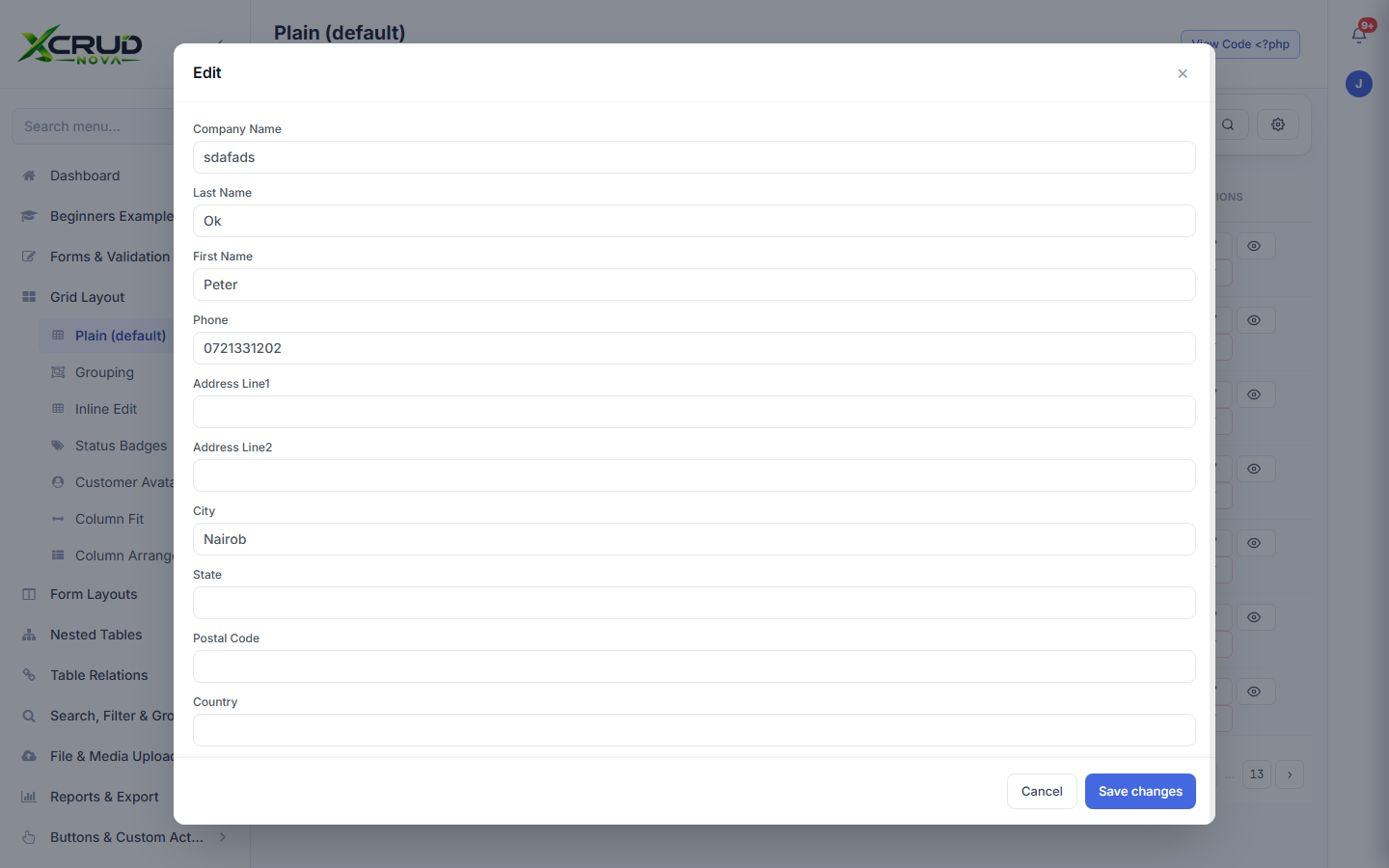
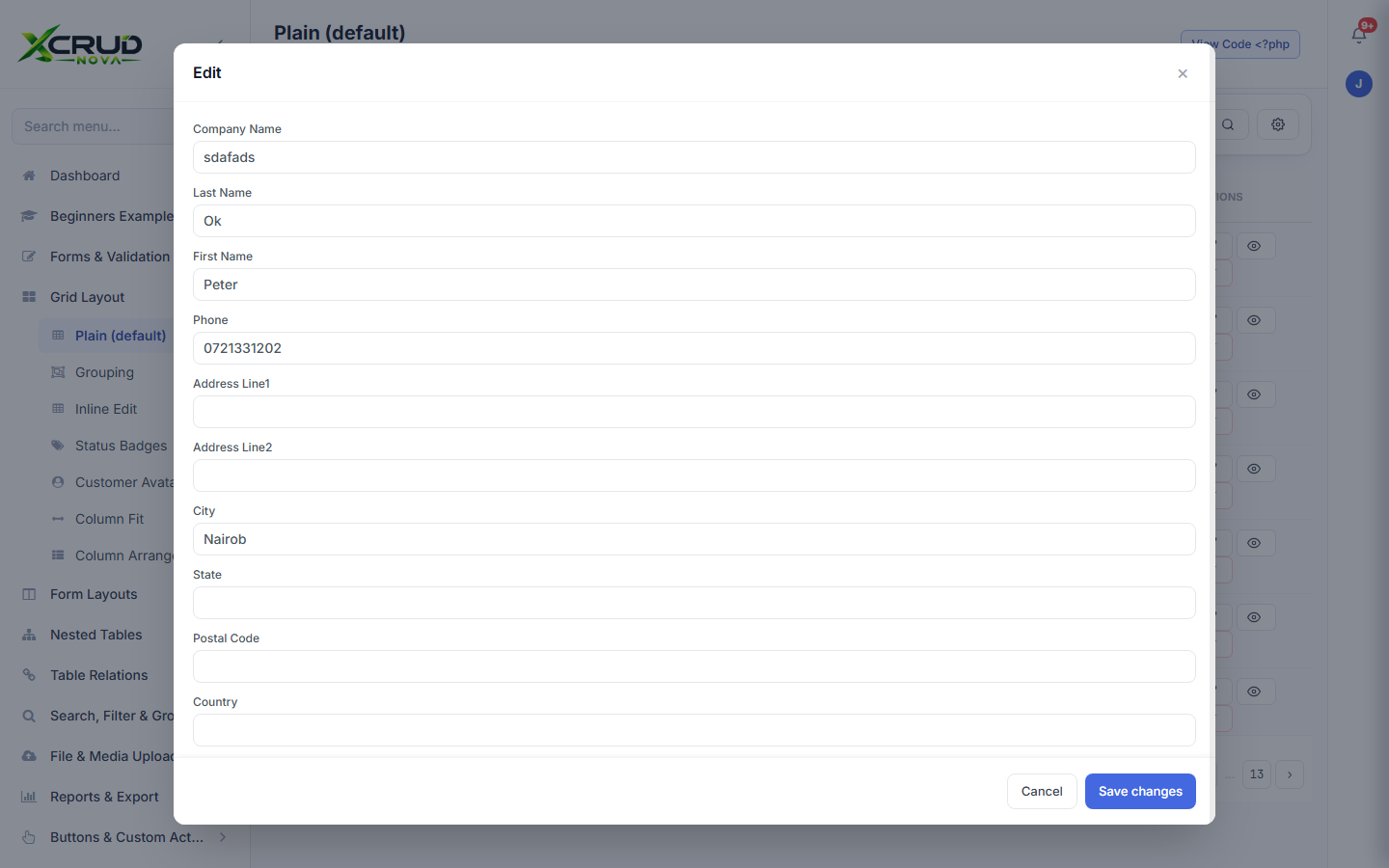
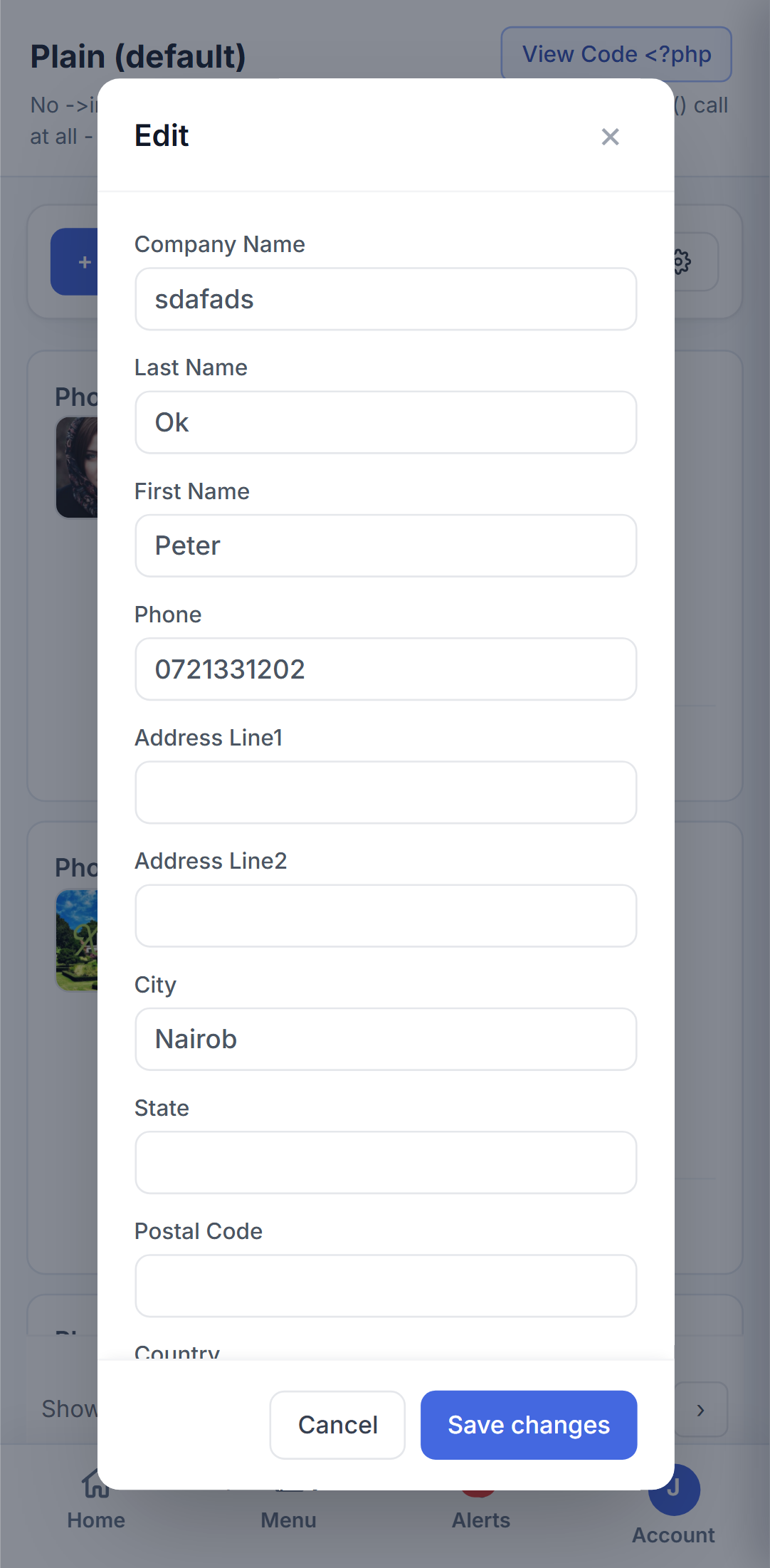
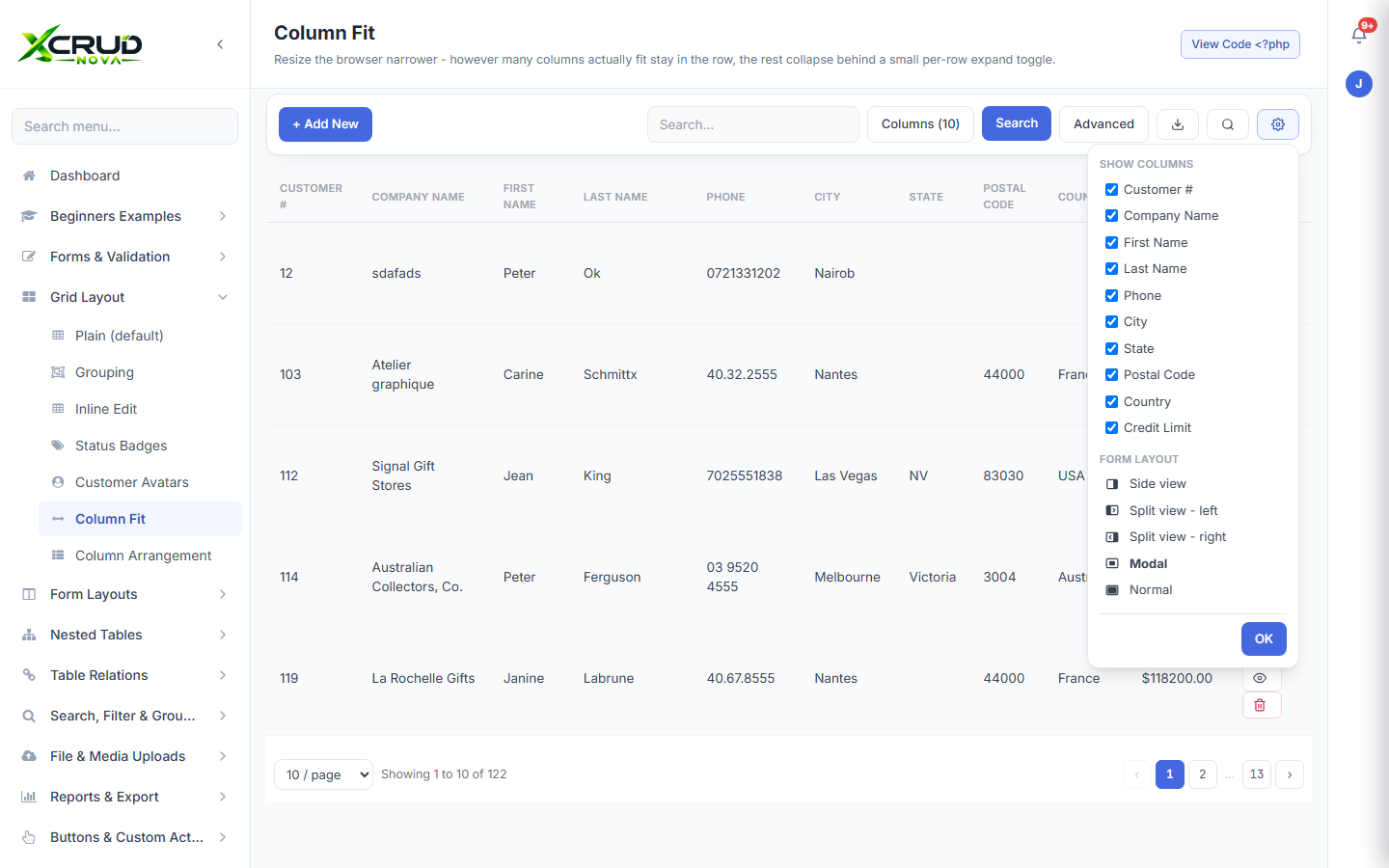
Every form can open as a centered modal, a docked side panel, or a full in-place layout - switch per table, or let visitors pick their own preferred layout from the toolbar.
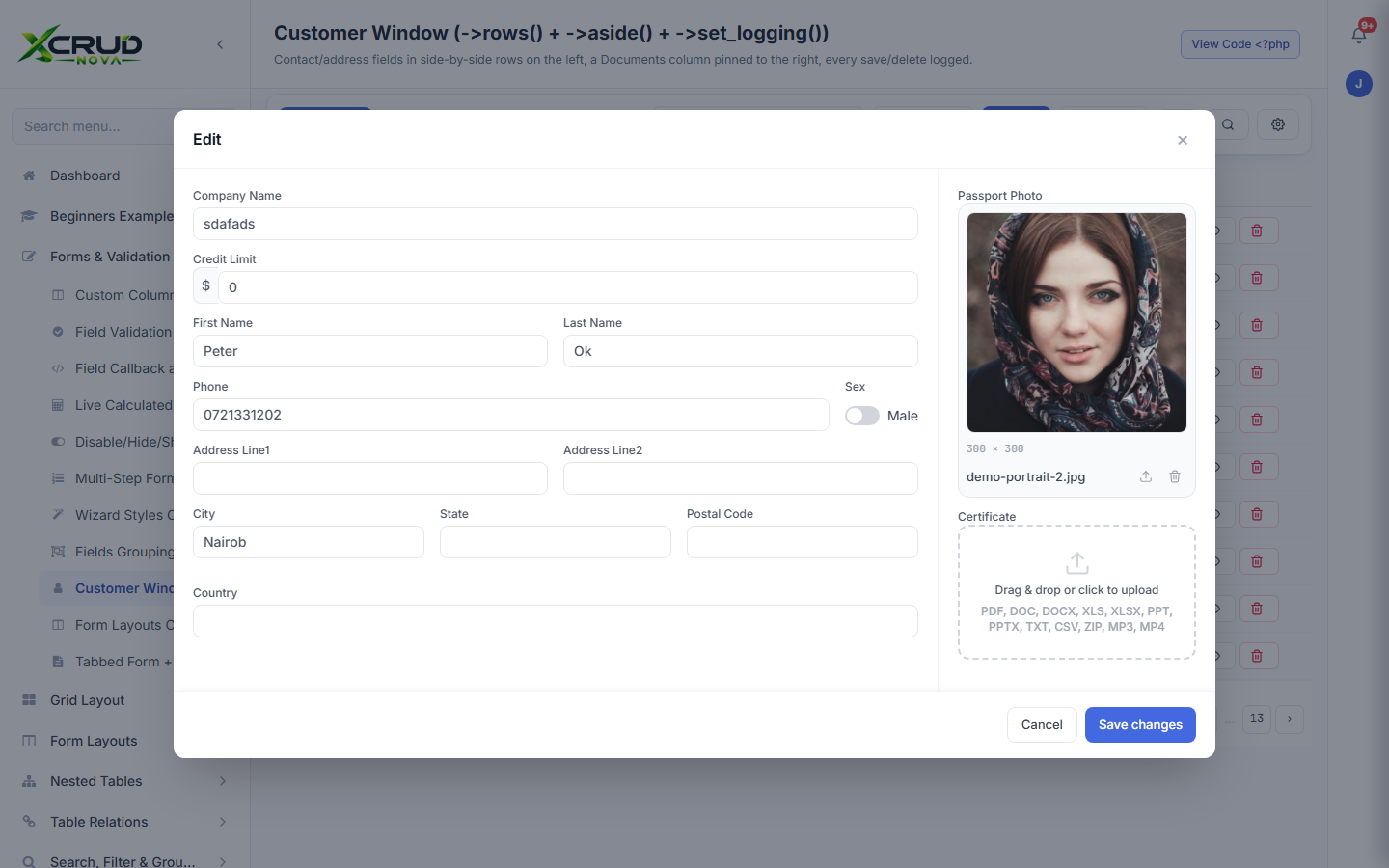
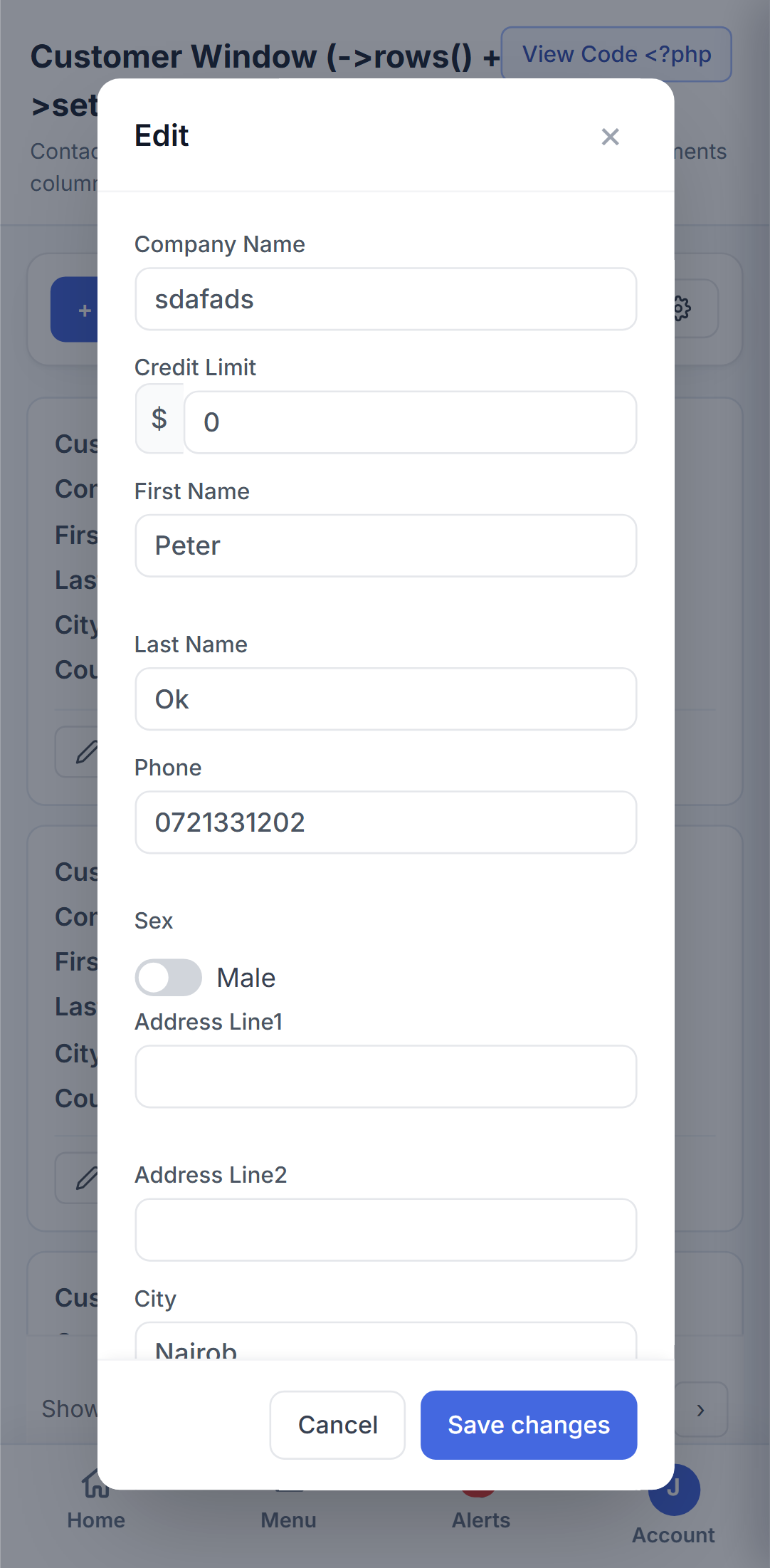
Show a parent's related rows pinned to the left, right, or bottom of its edit form - with a draggable border and their own scroll - instead of hiding them behind a tab click.
Model real parent-child-grandchild relationships as tabs inside one form, as many levels deep as your schema actually needs - orders, line items, and products, all in one place.
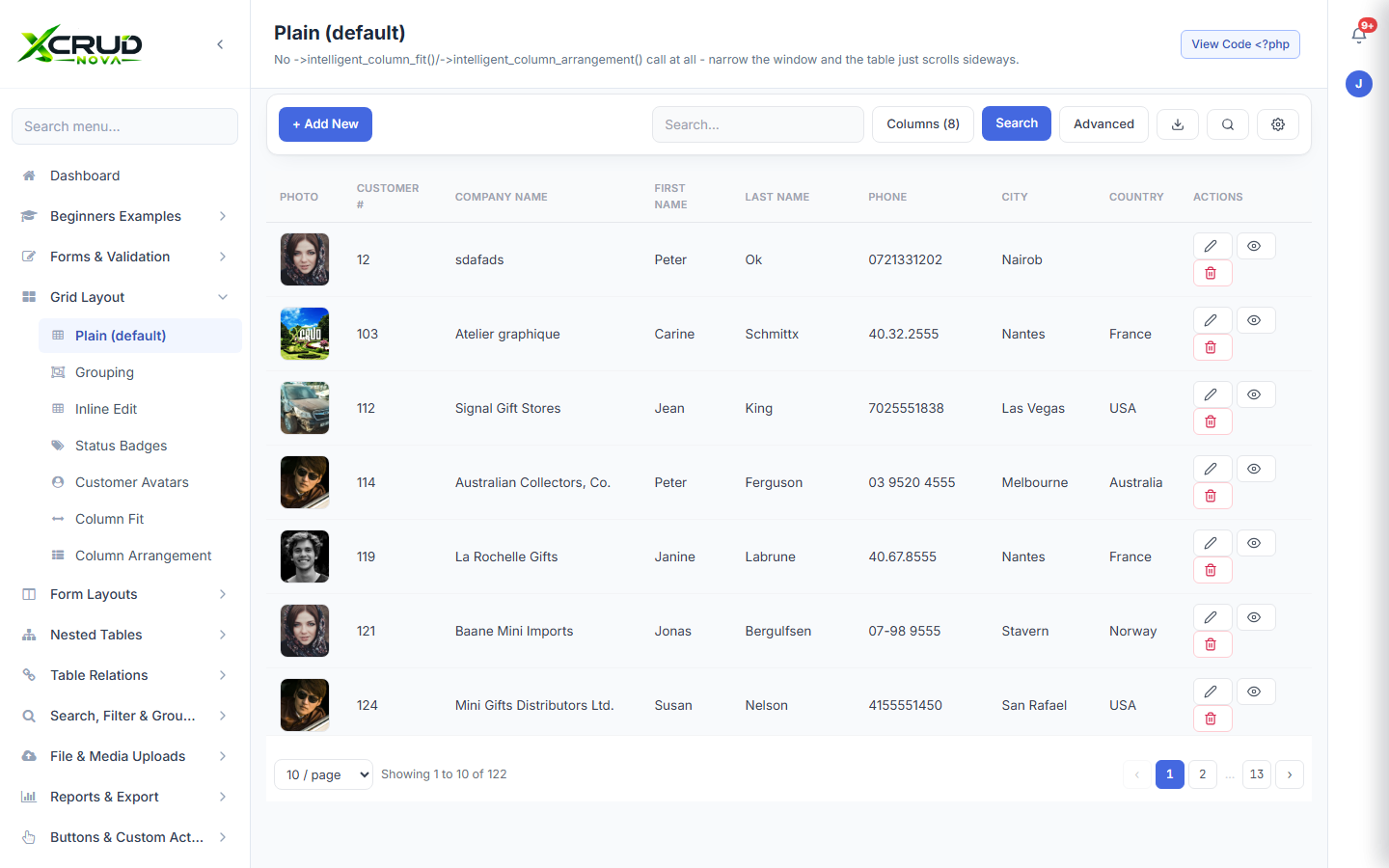
Column fitting, grouping, sums, per-column search, and layout choices ship out of the box - no extra plugin, no extra JavaScript to wire up yourself.
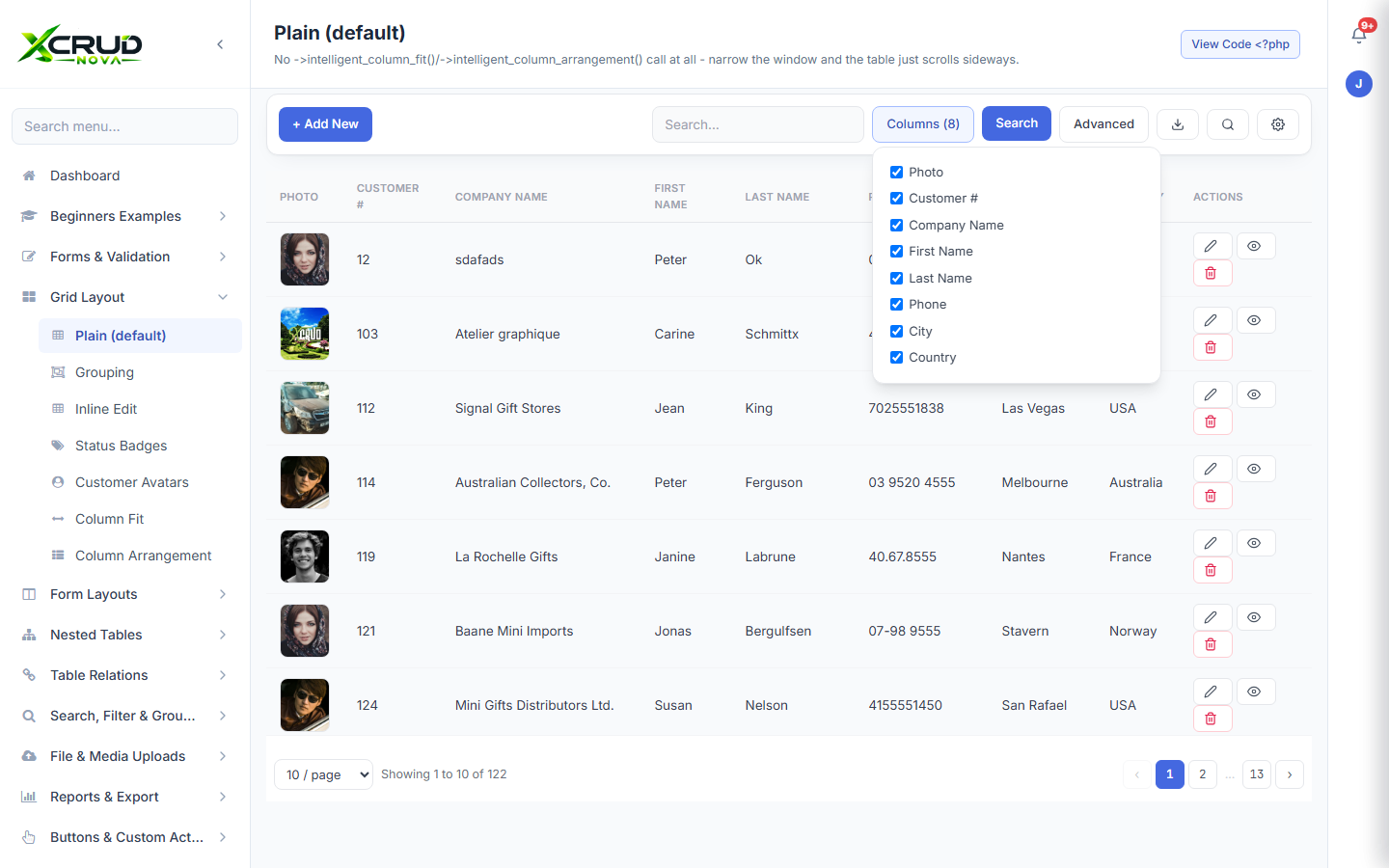
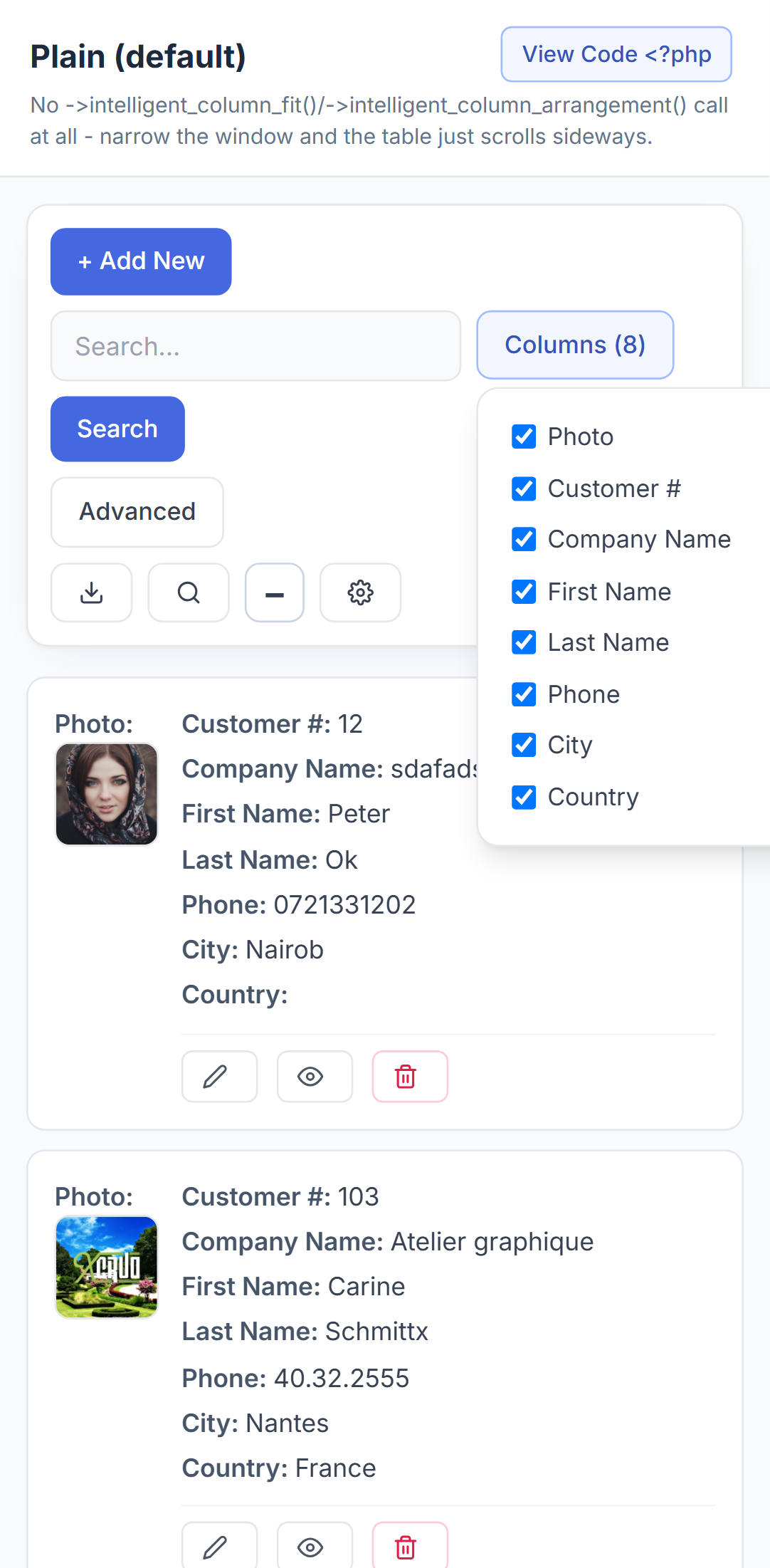
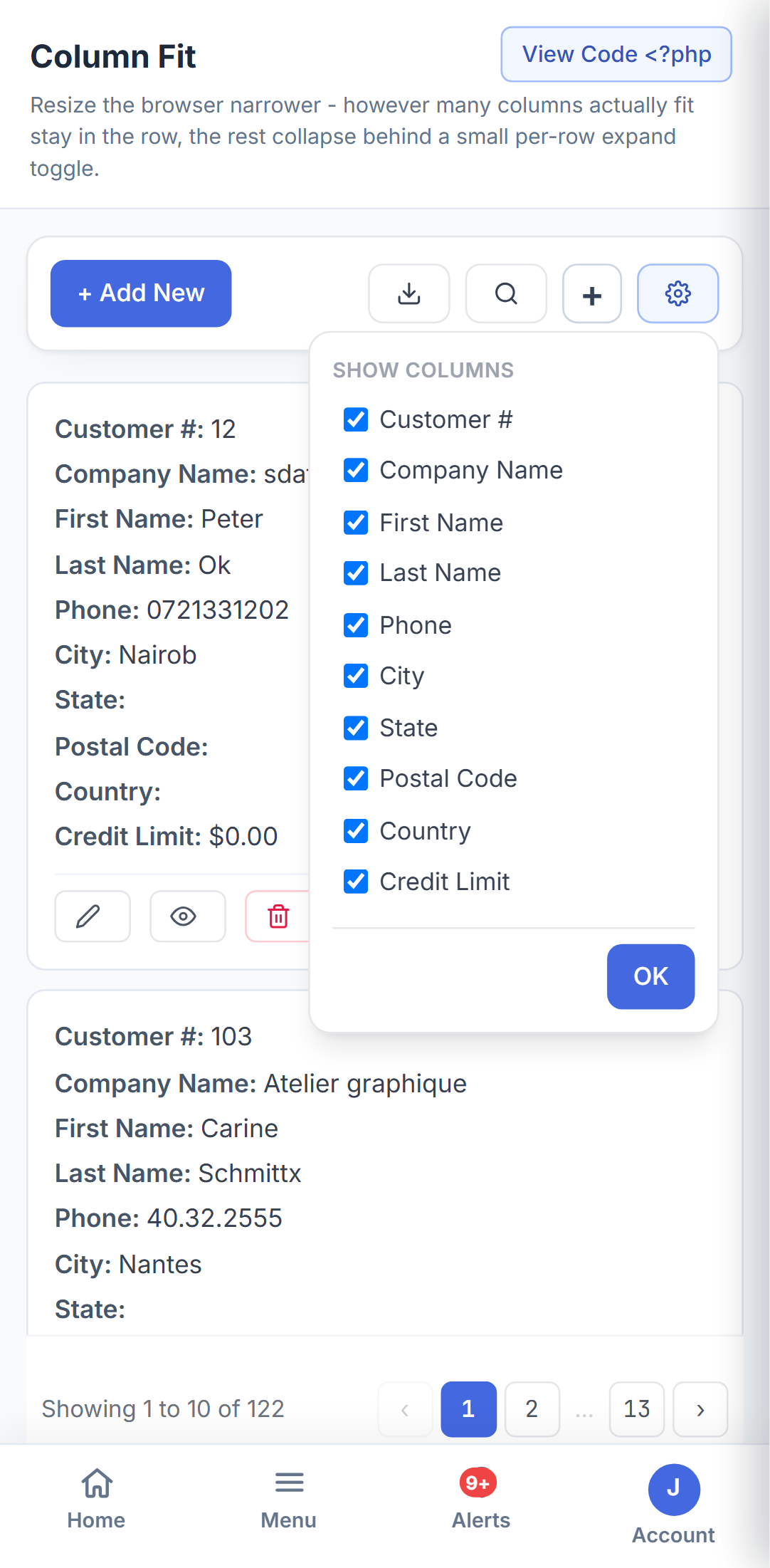
Visitors choose which columns matter to them, and narrow columns collapse gracefully on smaller screens instead of forcing a horizontal scrollbar.
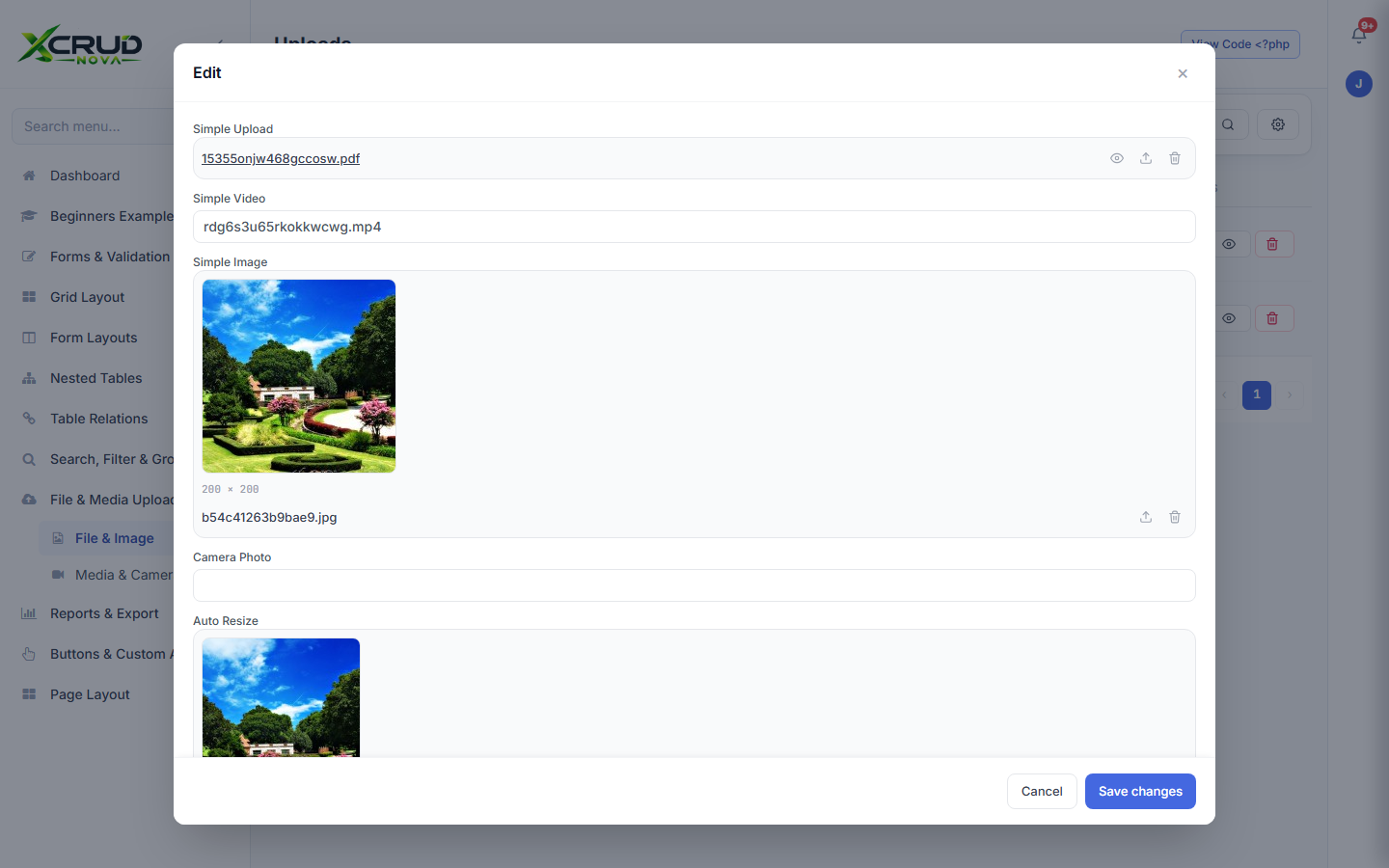
Drag-and-drop uploads, image previews, cropping, and galleries - configured with one line of PHP, no separate upload library to integrate.
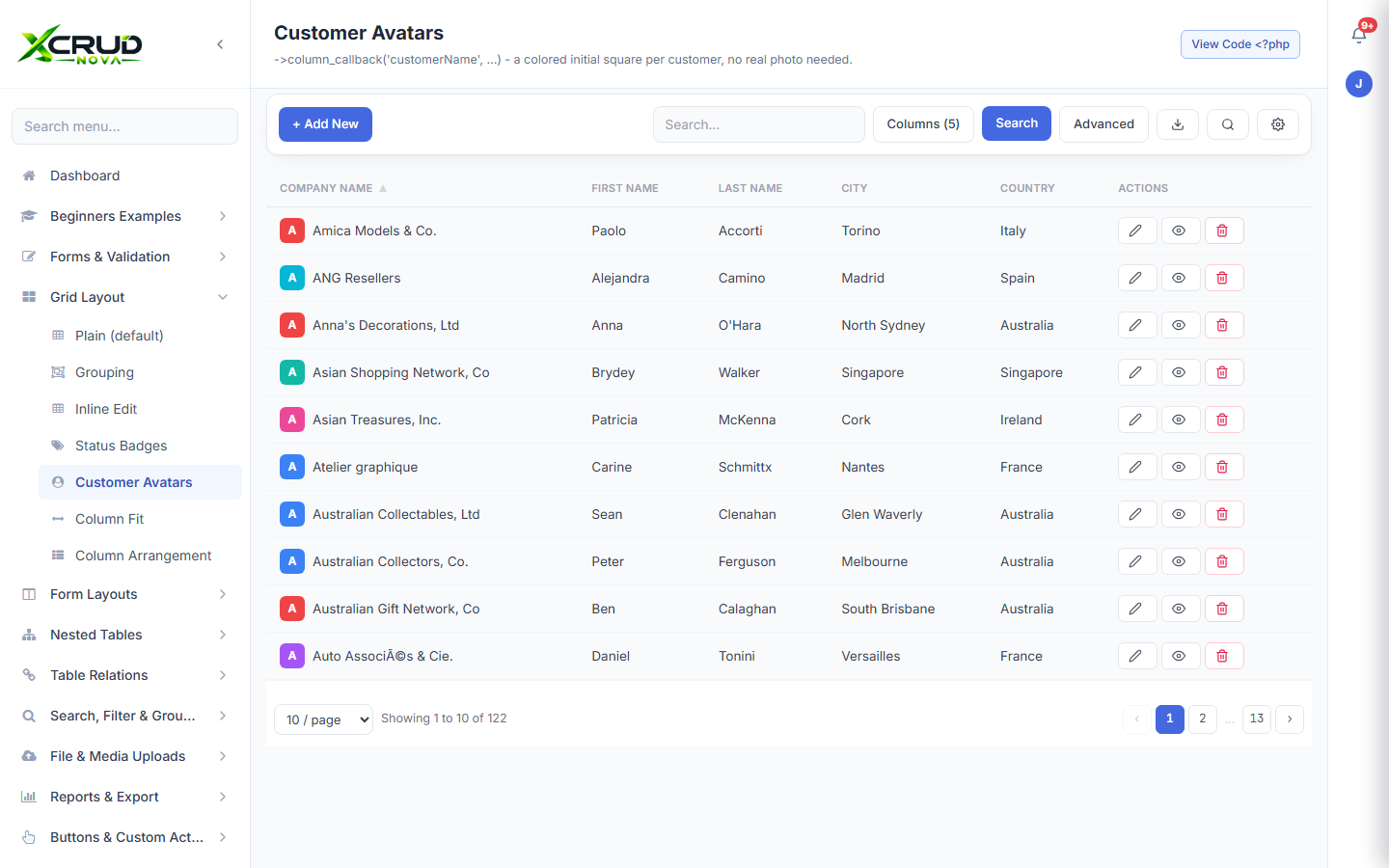
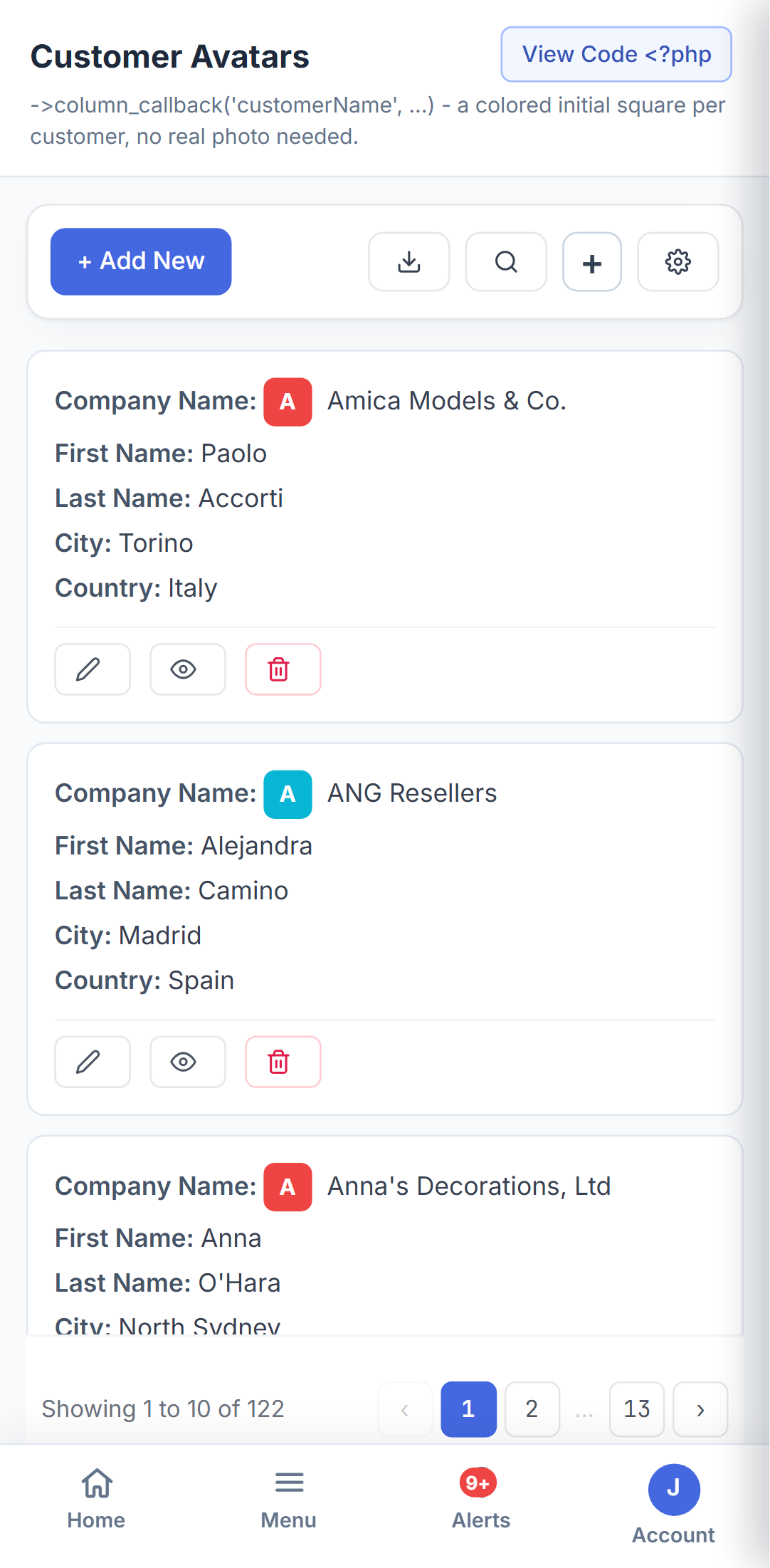
Avatars, thumbnails, badges, and switches render right in the grid - so a list of records reads like a real product, not a raw database dump.
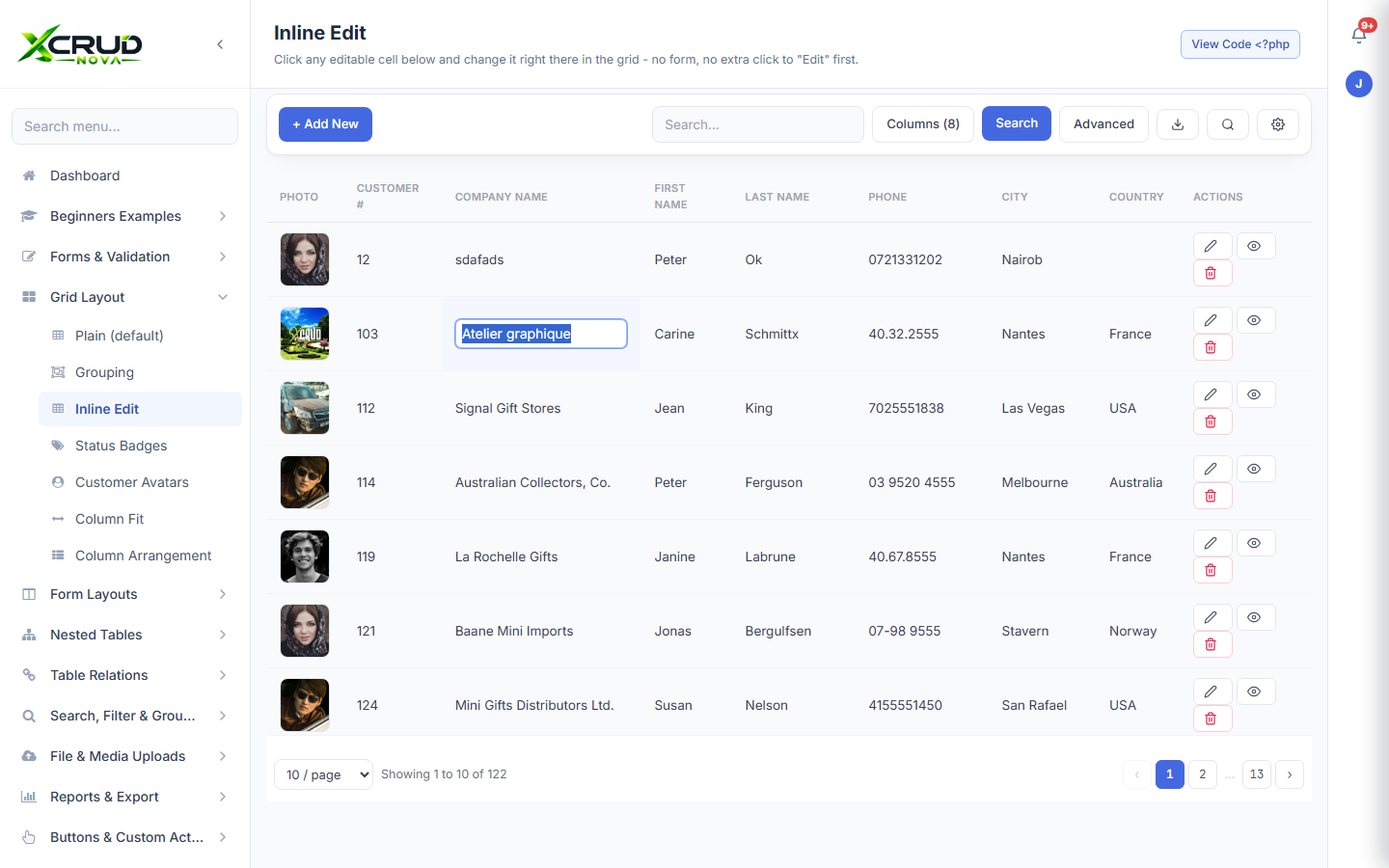
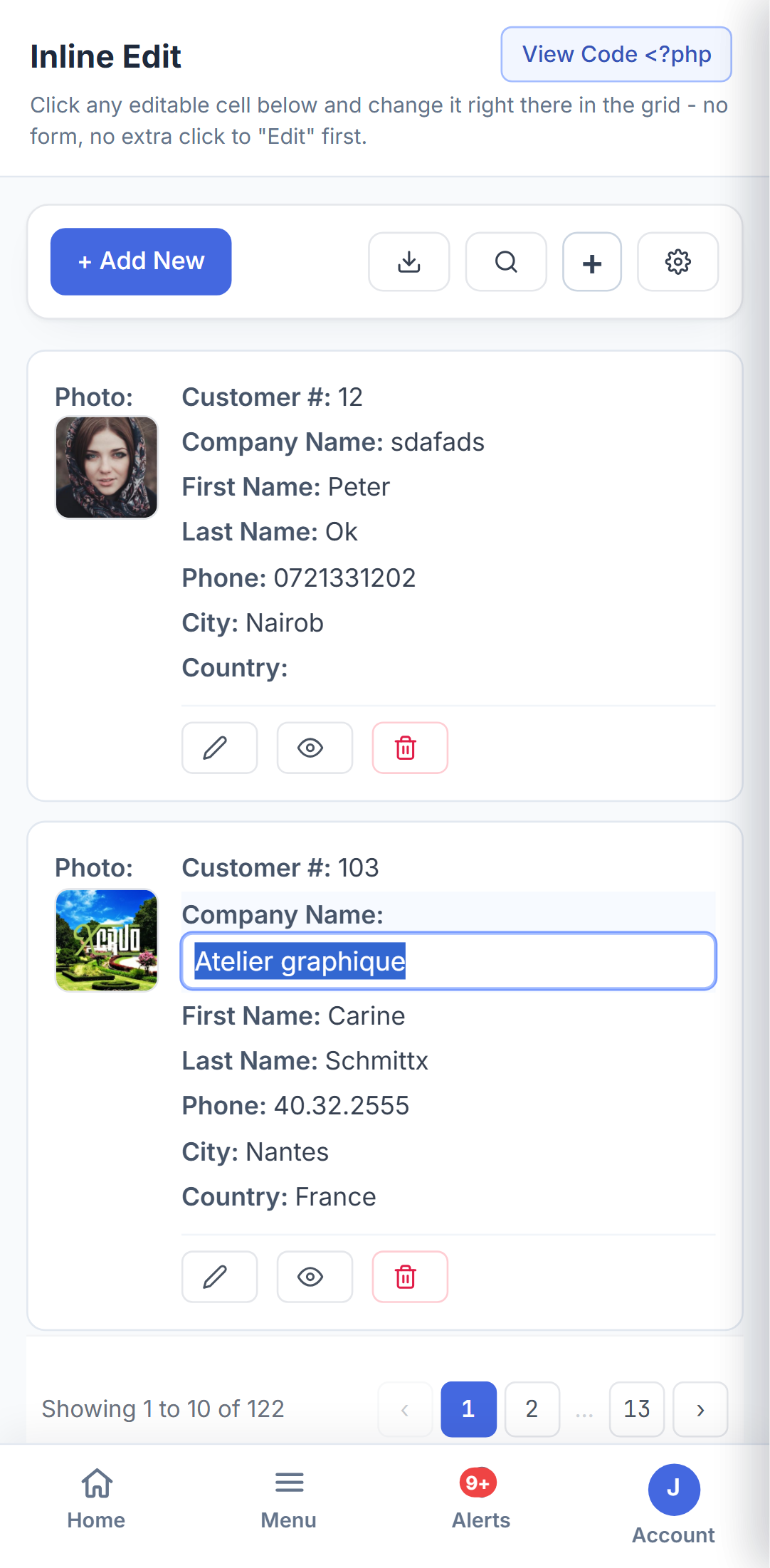
Click any editable cell right in the grid and change it on the spot - no dialog, no extra click to "Edit" first, just for the quick corrections that don't need a full form.
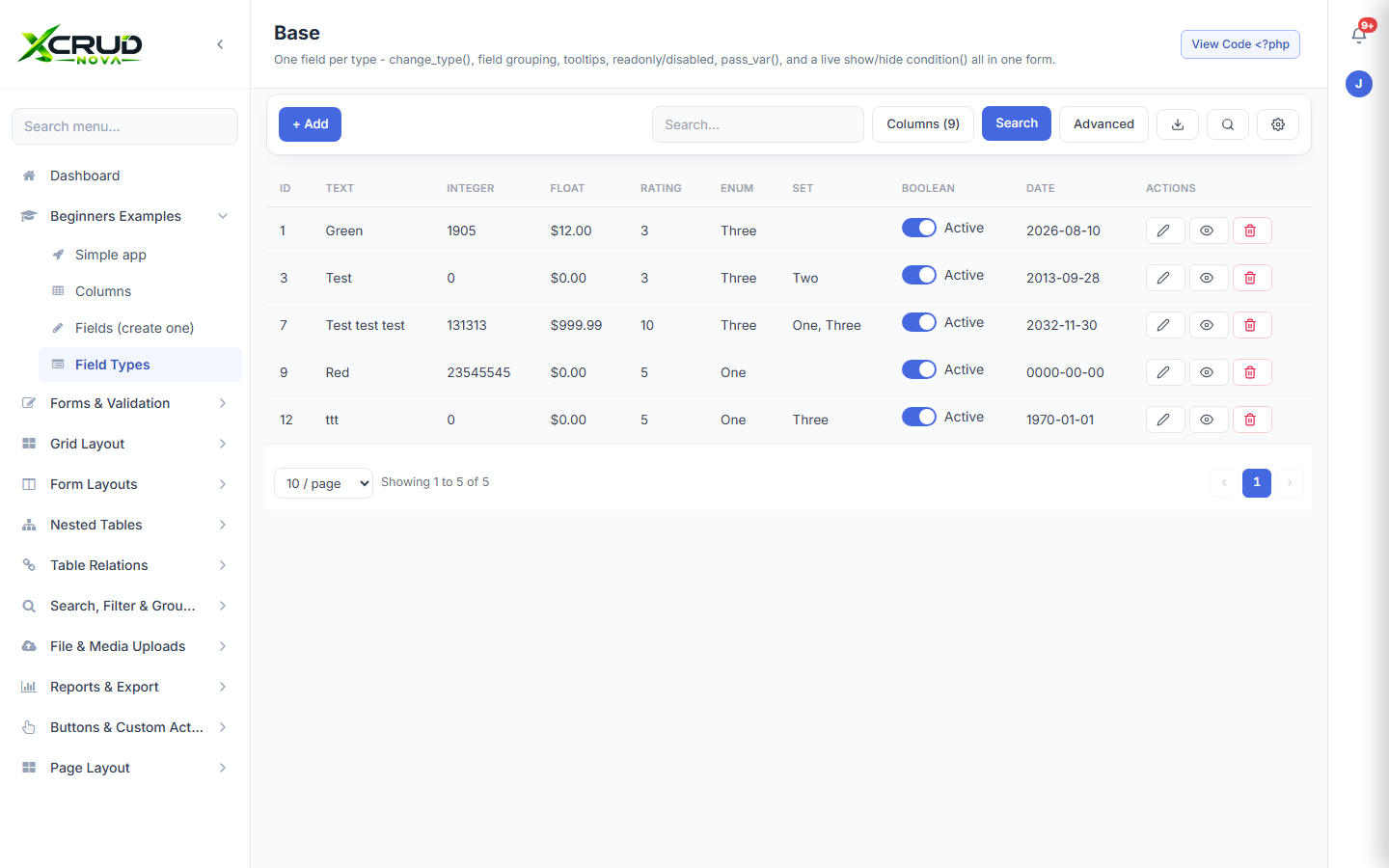
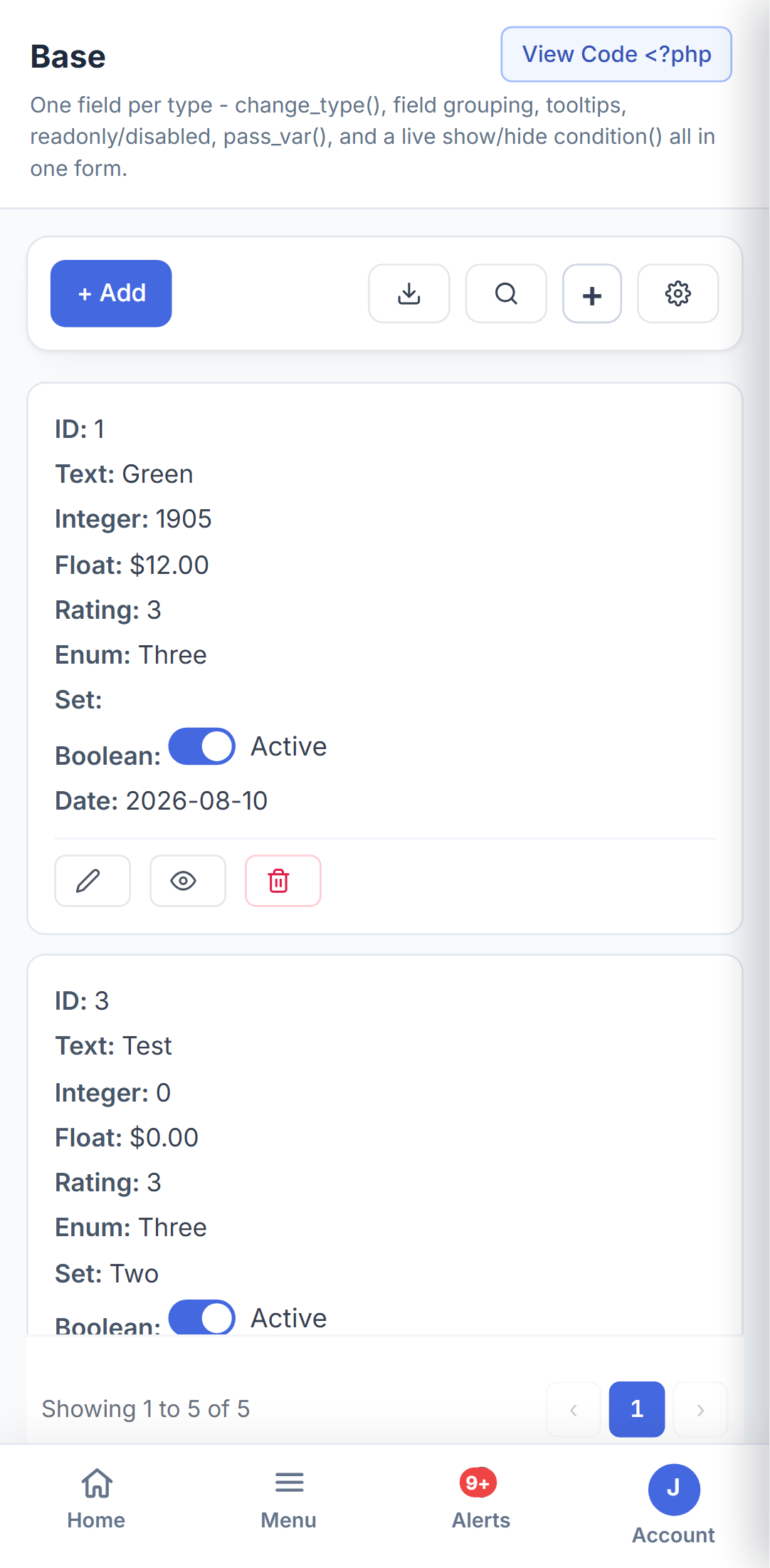
Text, numbers, ratings, toggles, dropdowns, multi-select, dates and more - ->change_type() switches a plain column into the right control with one line.
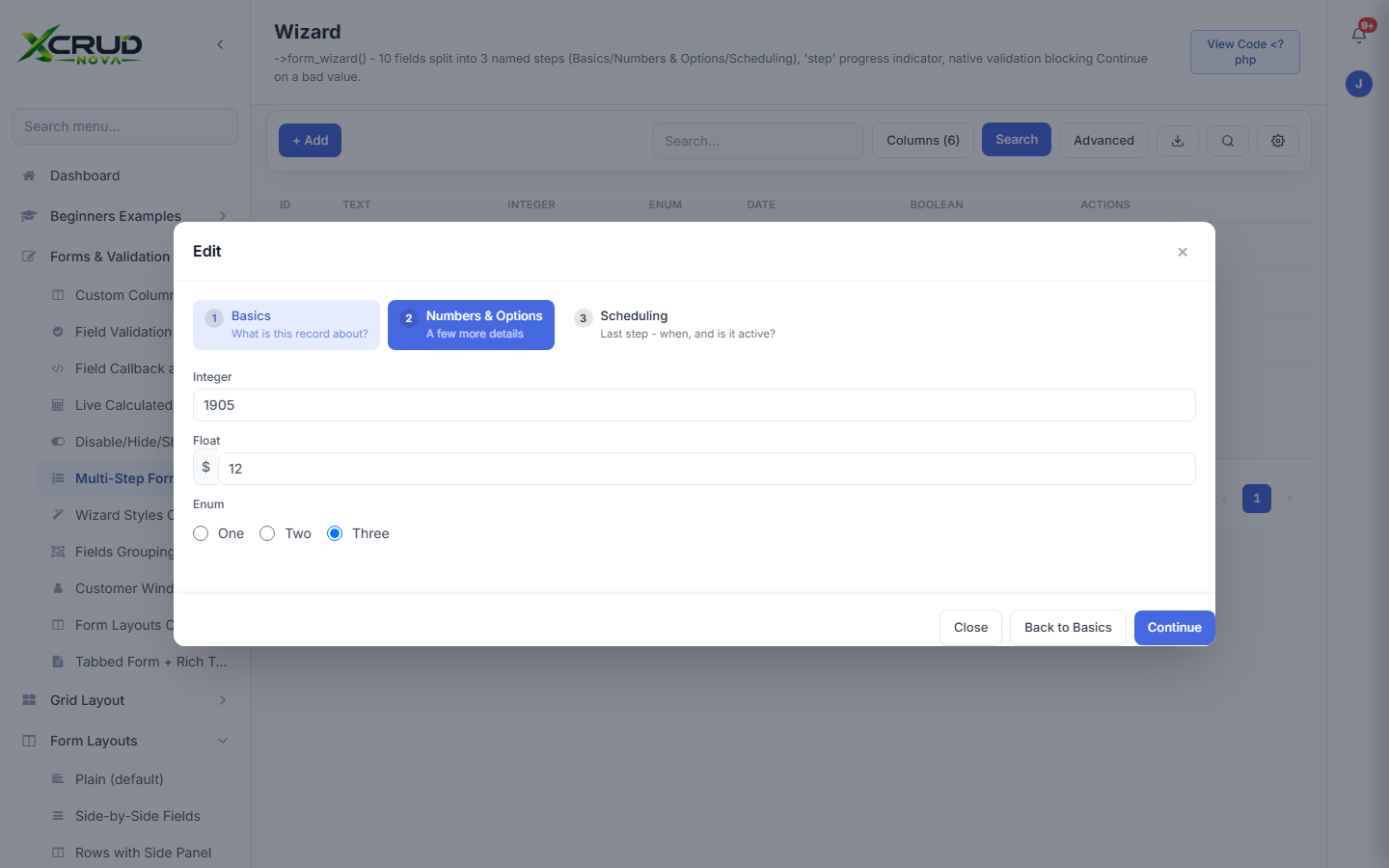
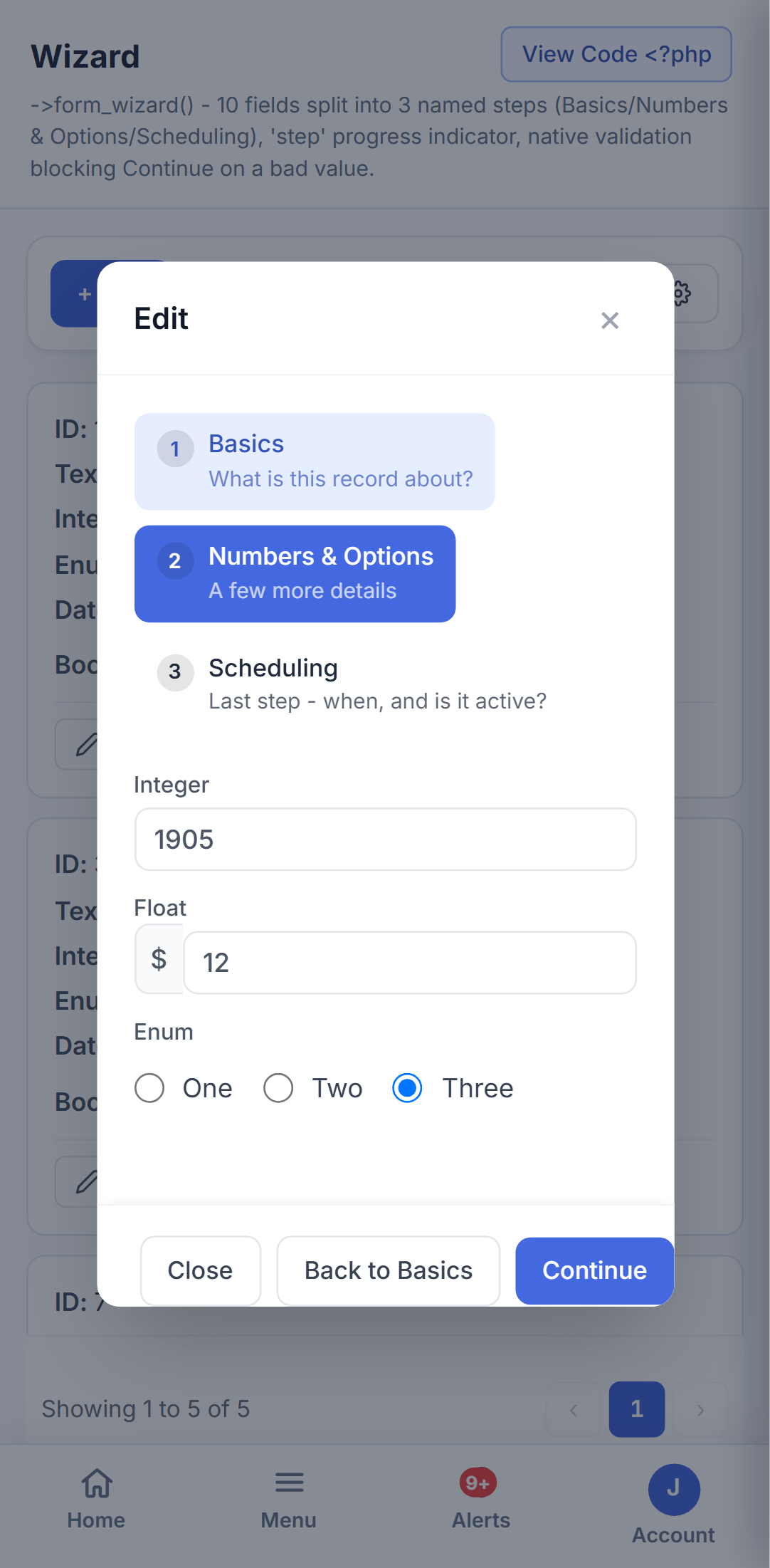
Split a long form into named steps with their own progress indicator, and built-in validation that blocks moving on until the current step is actually valid.
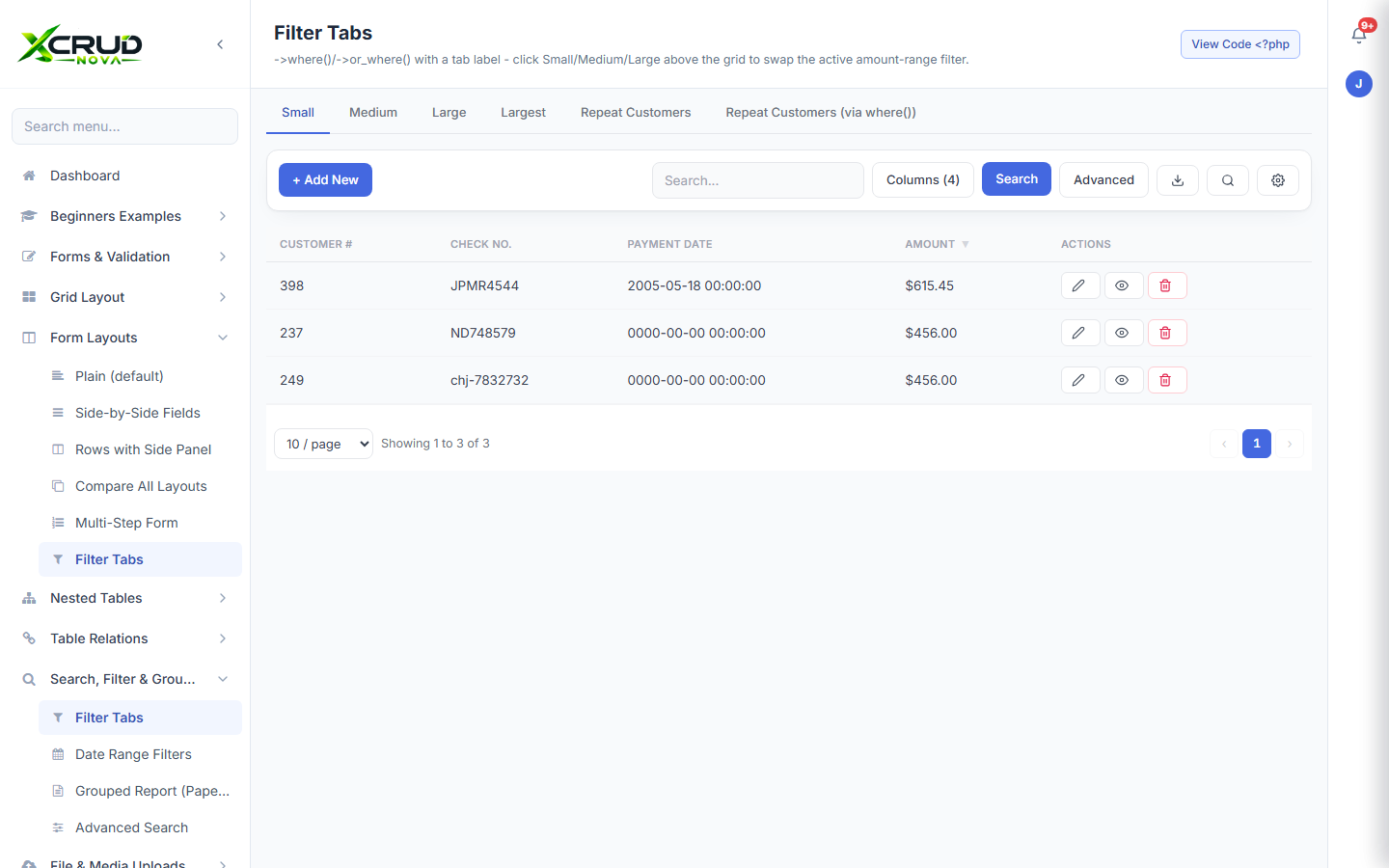
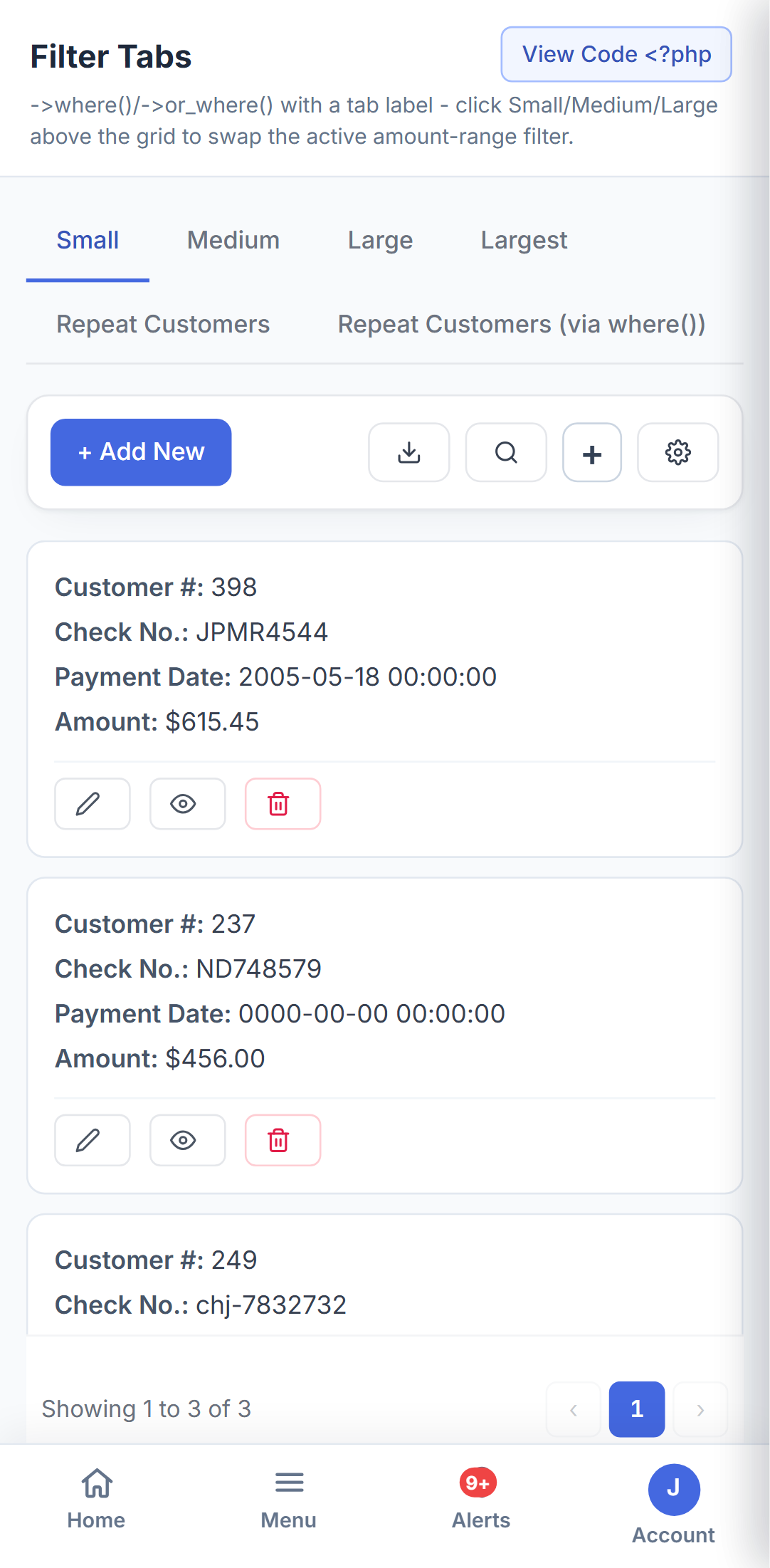
Turn your most common searches into one-click tabs - Small/Medium/Large, Repeat Customers, whatever your data calls for - switching the active filter without leaving the page.
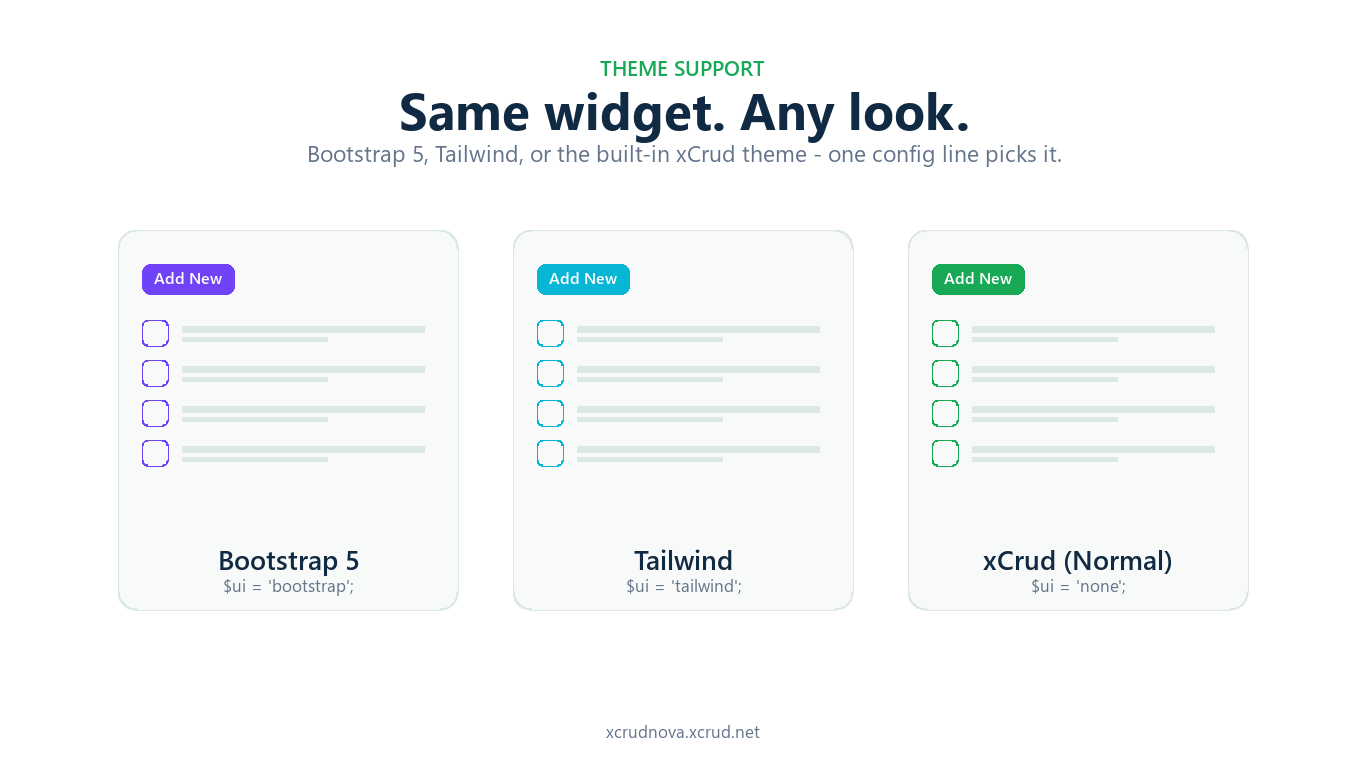
Ships with three ready-made themes - Bootstrap 5, Tailwind, or the clean built-in xCrud theme - matching a look you already use, one config line to switch.
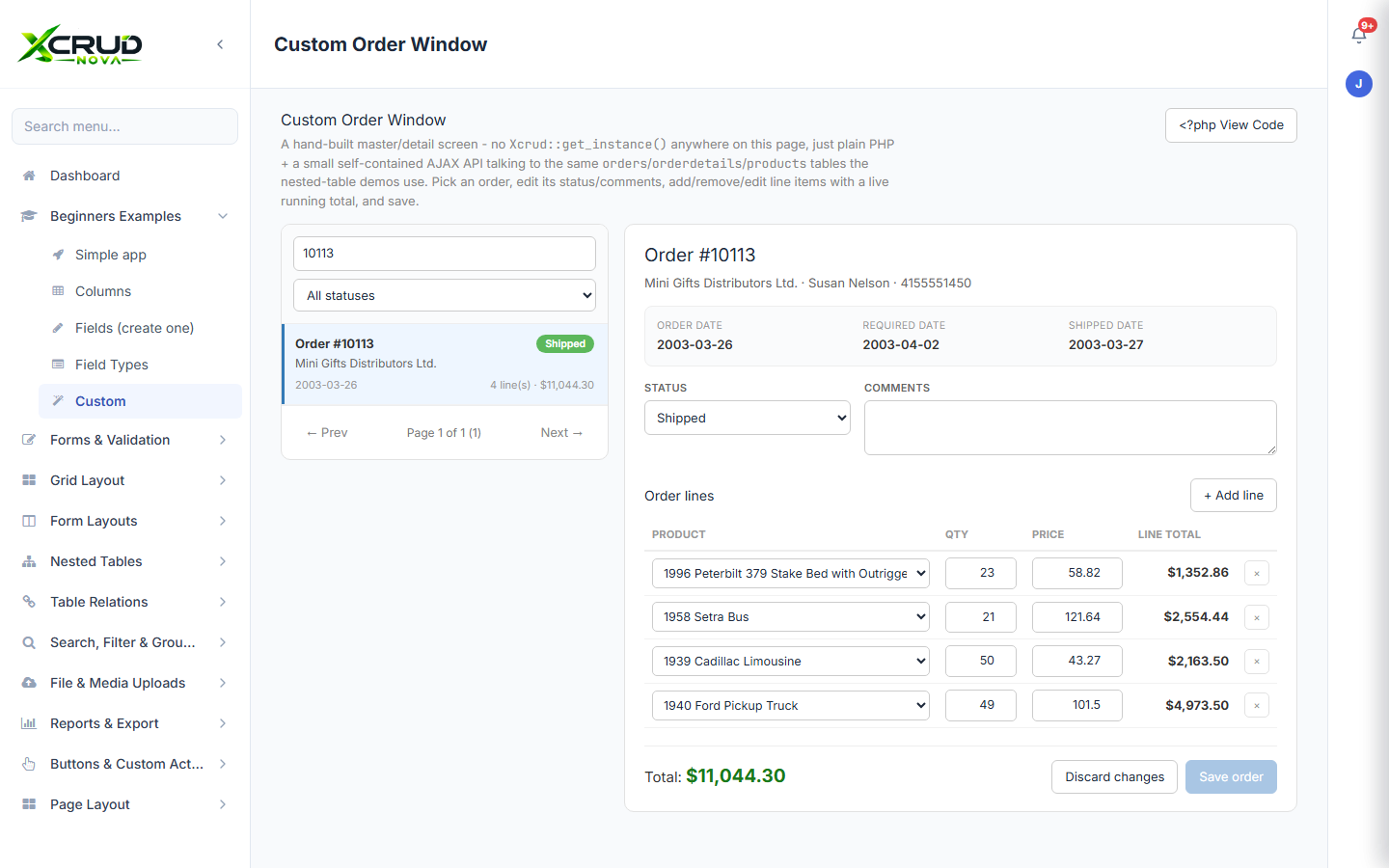
Not every screen fits a grid-and-form shape. Drop to plain PHP and a small AJAX API whenever you need to - a master/detail order editor with live line-item totals, in this example - while still reading and writing the exact same tables your other xCRUD Nova pages use. And because the API is this compact, an AI coding assistant like Claude can build you a custom form like this one directly - describe the screen, plug it into Claude Code, and get a working page in minutes instead of hours.
Download the edition that matches the complexity of your project.
A simple entry point for lightweight CRUD projects.
Download ZIP →The full PHP experience for building and deploying admin applications.
Download ZIP →Advanced administration with menus, users, roles and configuration.
Download ZIP →| What's included | BASIC | NOVA | PRO |
|---|---|---|---|
| Grids, forms & nested tables | ✓ | ✓ | ✓ |
| Modal, side, or full-page editing | ✓ | ✓ | ✓ |
| File & image uploads | ✓ | ✓ | ✓ |
| Grid settings (fit, grouping, sums) | ✓ | ✓ | ✓ |
| Dashboard shell & sidebar menu | ✓ | ✓ | ✓ |
| WordPress plugin included | ✓ | ✓ | ✓ |
| Android mobile app | – | ✓ | ✓ |
| Login & authentication | – | – | ✓ |
| Roles & permissions | – | – | ✓ |
| DB-driven admin menu builder | – | – | ✓ |
Keep the commercial details clear and let visitors move directly from pricing to a demo or download.
A simple entry point for lightweight CRUD projects.
The full PHP experience for building and deploying admin applications.
Advanced administration with menus, users, roles and configuration.
Document the installation, REST endpoints, templates, configuration and deployment paths in one place.
Give users a direct path to support, FAQs and troubleshooting.